Micro Prints for Micro Managing a Large Language Model
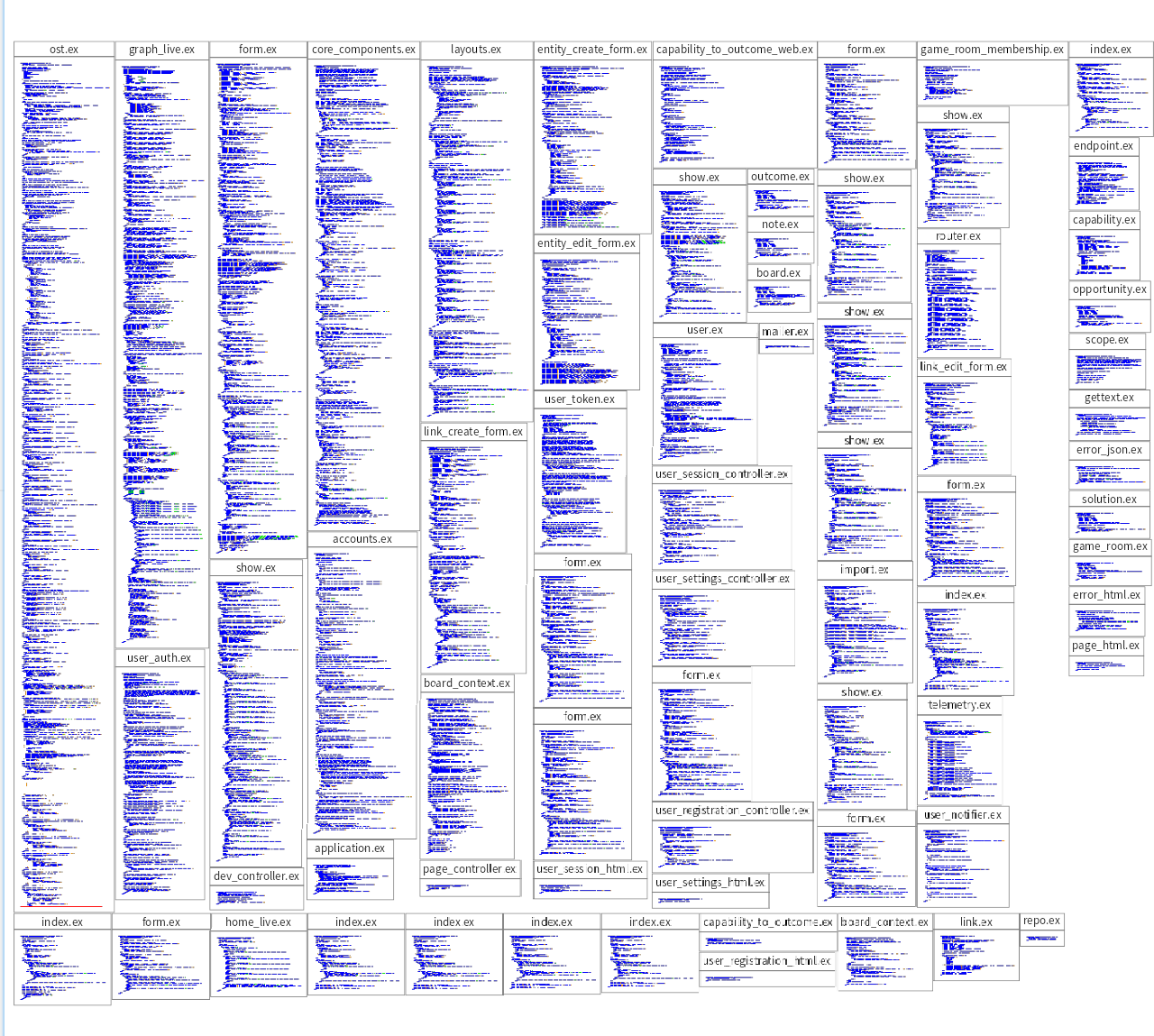
Prototypes are easy, but getting an LLM to generate maintainable code over a longer period of time is not. As the models are not yet good enough, we need a very short feedback cycle. Reading all the code doesn't scale, and we need another way to maintain trust that the code is good enough. We develop many tiny tools that help us quickly spot problems and maintain trust that the overall code structure remains sound. One of them is a Micro Print tool. For experienced software developers, Micro Prints are a visualization that gives a quick overview over a medium sized code base.
Spotting problems
Just looking at this overview, the difference in size between the different files seems large. The largest one even has a red line at the bottom, indicating that it is larger than a 1000 lines. We want easy to understand code, and that arises from distributing responsibilities well. With 73 files and 9516 total lines of code, one file with over ten percent of all the code suggests a god class code smell. A quick detailed look at that file confirmed that it would be a good refactoring candidate.
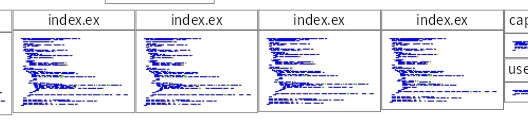
At a glance, these four files (and two more not so conveniently next to each other) look very similar. And indeed, they represent very similar concepts where duplication can easily be removed.
Limits
This tool works for small and medium sized code bases, or for parts of a code base. For larger code bases, different tools/visualizations are needed.
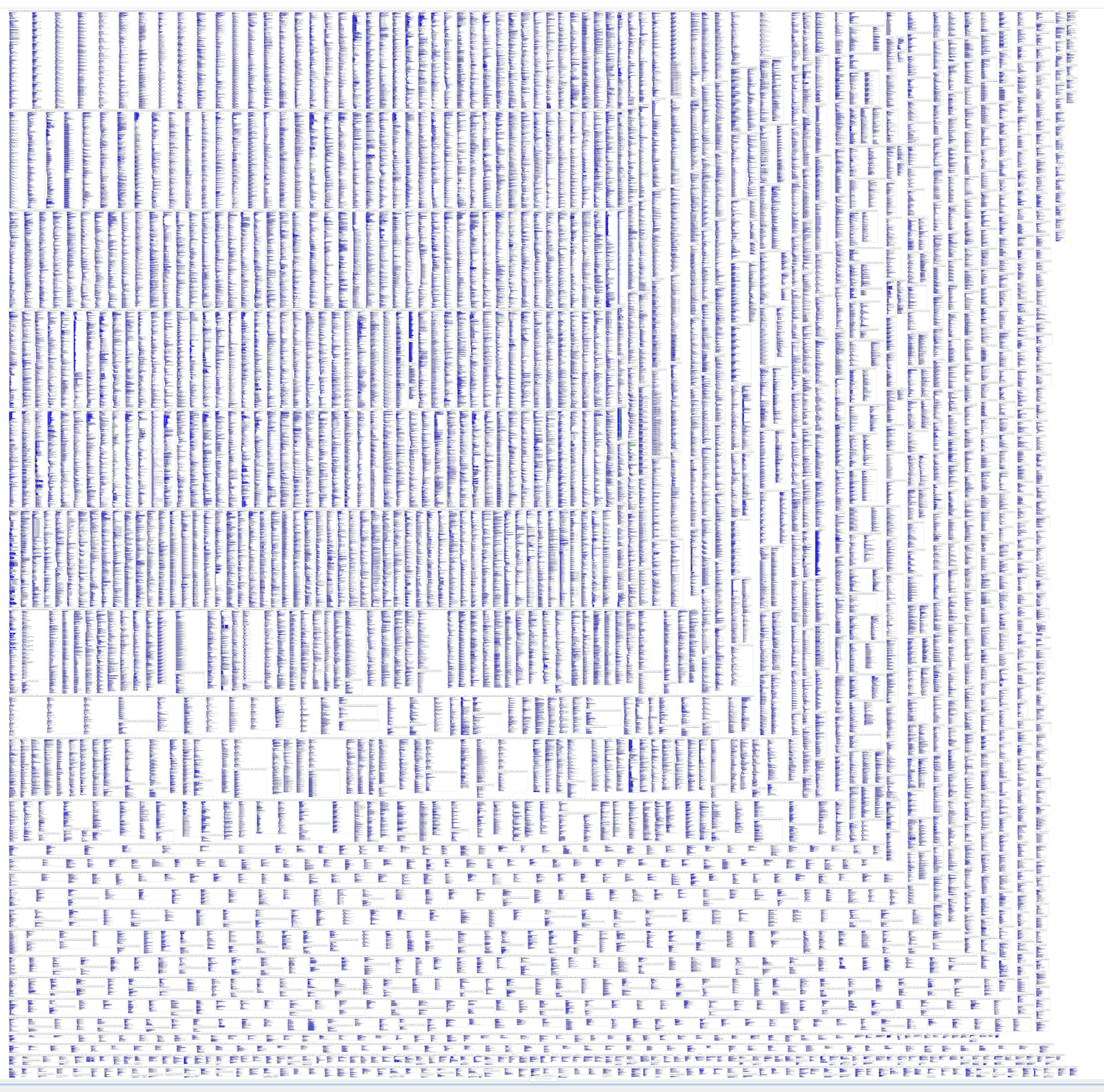
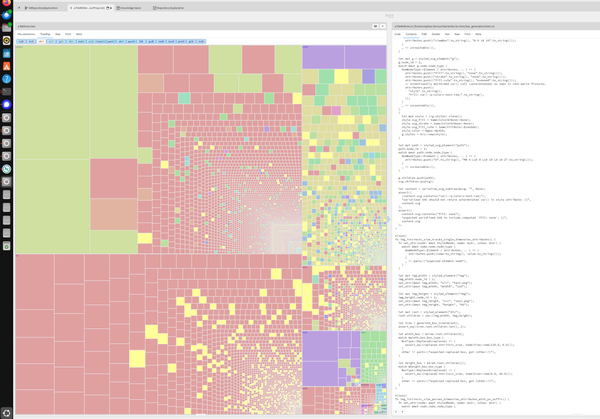
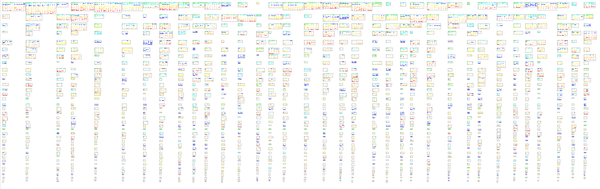
The code of FastRender, a longer running LLM experiment with dozens of agents running in parallel for over a week by Cursor, is too large. In this visualization, the red lines are not even visible anymore, but the largest file is over 77000 lines. It of course did not start so large, and a Micro Print visualization could have spotted this problem in time to take corrective action.
Usage
We use this among other visualizations, and automated tests, to ensure the source code remains in a good enough state. We've a lot of experience with legacy software, and know to value TDD can bring to keep software in great shape. Software that after decades of development remains a joy to work with. The software we're developing is not having product-market fit yet, so good enough means that we are convinced we can get it in that state in a reasonable time when we achieve that.