GToolkit Launcher
Keeping up with the rapid pace of GToolkit development is a challenge. Often several new versions of GToolkit are released per day. When I'm working on projects not using GToolkit, it is difficult to follow along on the development Discord and GitHub.
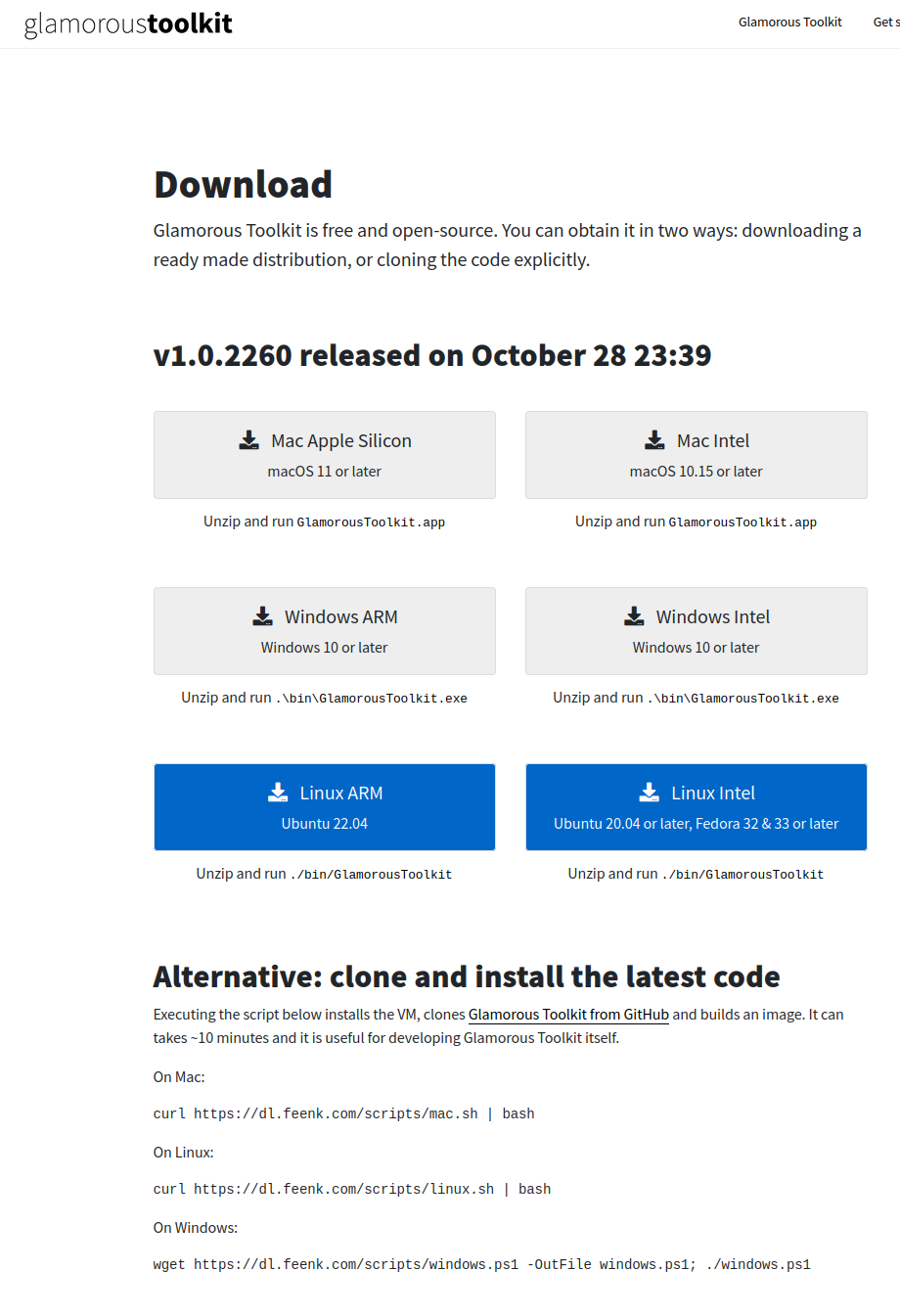
With the default download process the manual download requires moving the zipped download to the folder where I need it. The clone and install latest code installs repositories that need forking to be able to commit to, and takes several minutes.
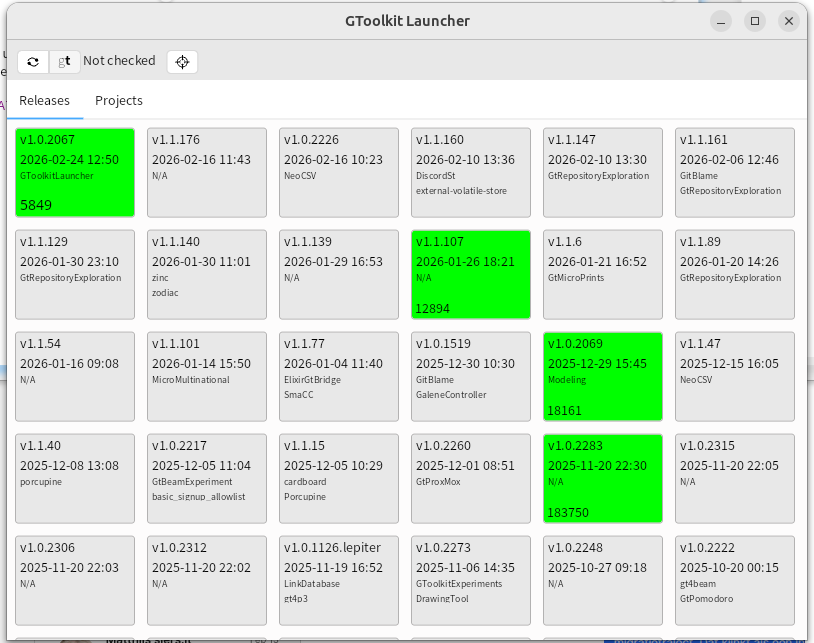
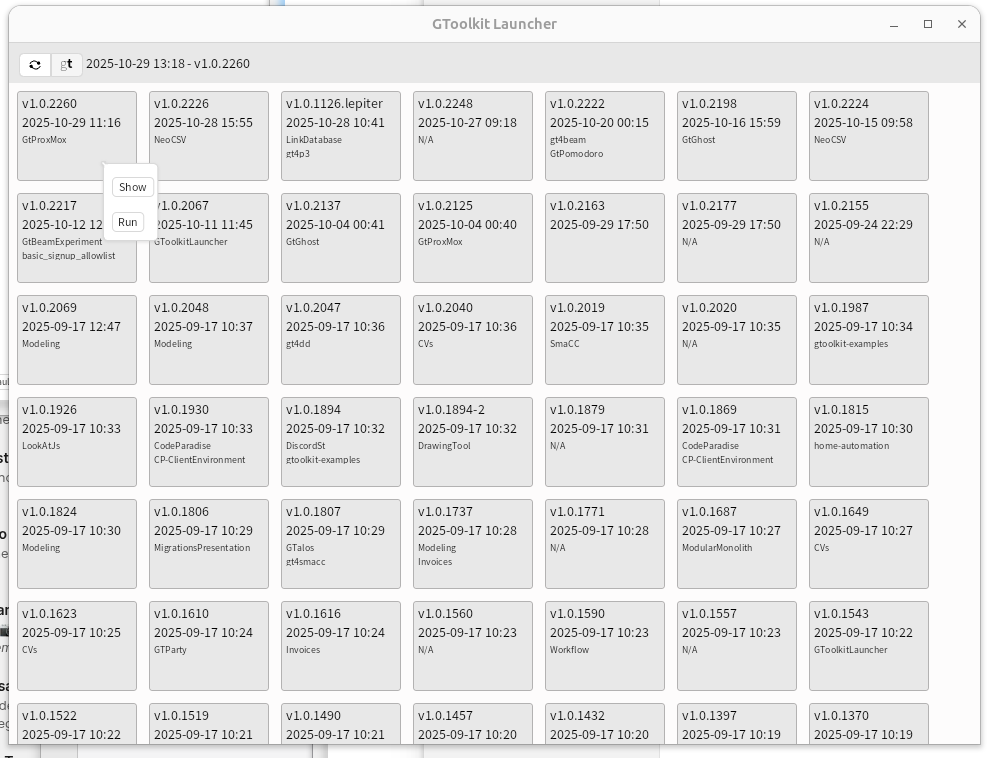
This creates friction in the developer experience that I managed to reduce by writing a tiny tool: GToolkitLauncher. It has a refresh button that checks for a new release and downloads it. And it shows my releases/images as cards and has a context menu allowing me to run the release, and to open an file system inspector on its location
It is far from perfect, but solves for me the following issues:
It provides a clear directory structure containing all the releases. By default it creates a directory in the user's home directory called gt. This can be changed by setting a GTPATH environment variable. This contains a downloads folder where a (partial) download of a new version is done, and a releases directory where each download gets its own directory.
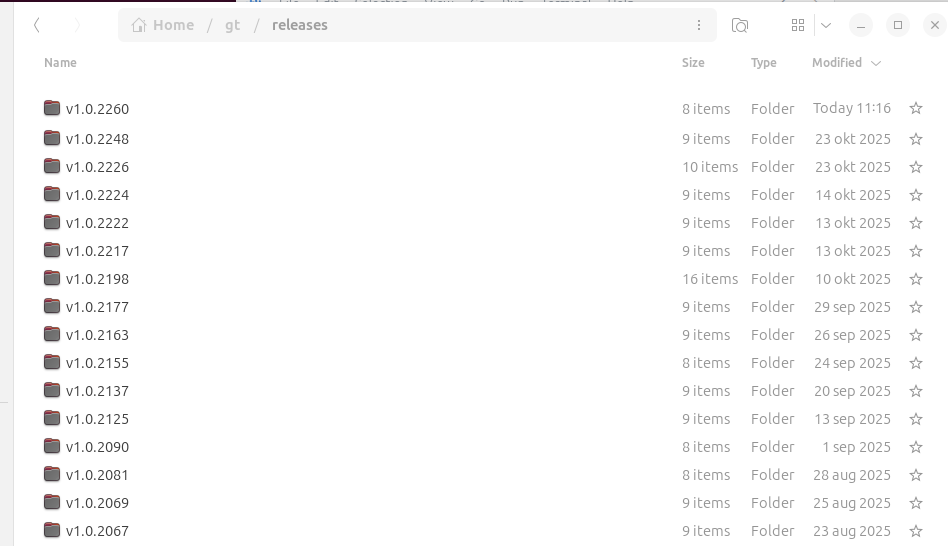
In that directory a copy of the downloaded zip is stored and the zip is unpacked.
It shows me what code is loaded where. I'm doing lots of tiny projects and experiments with GToolkit. Not all of them are in active development, so I might have a difficult time remembering which code is loaded where. The cards show the release version they are based on, date of last image change, and the git repositories loaded. The git repositories are a good enough proxy for the experiment or project for now. The cards are sorted by date of last image change, so by default I find the latest version of my project.
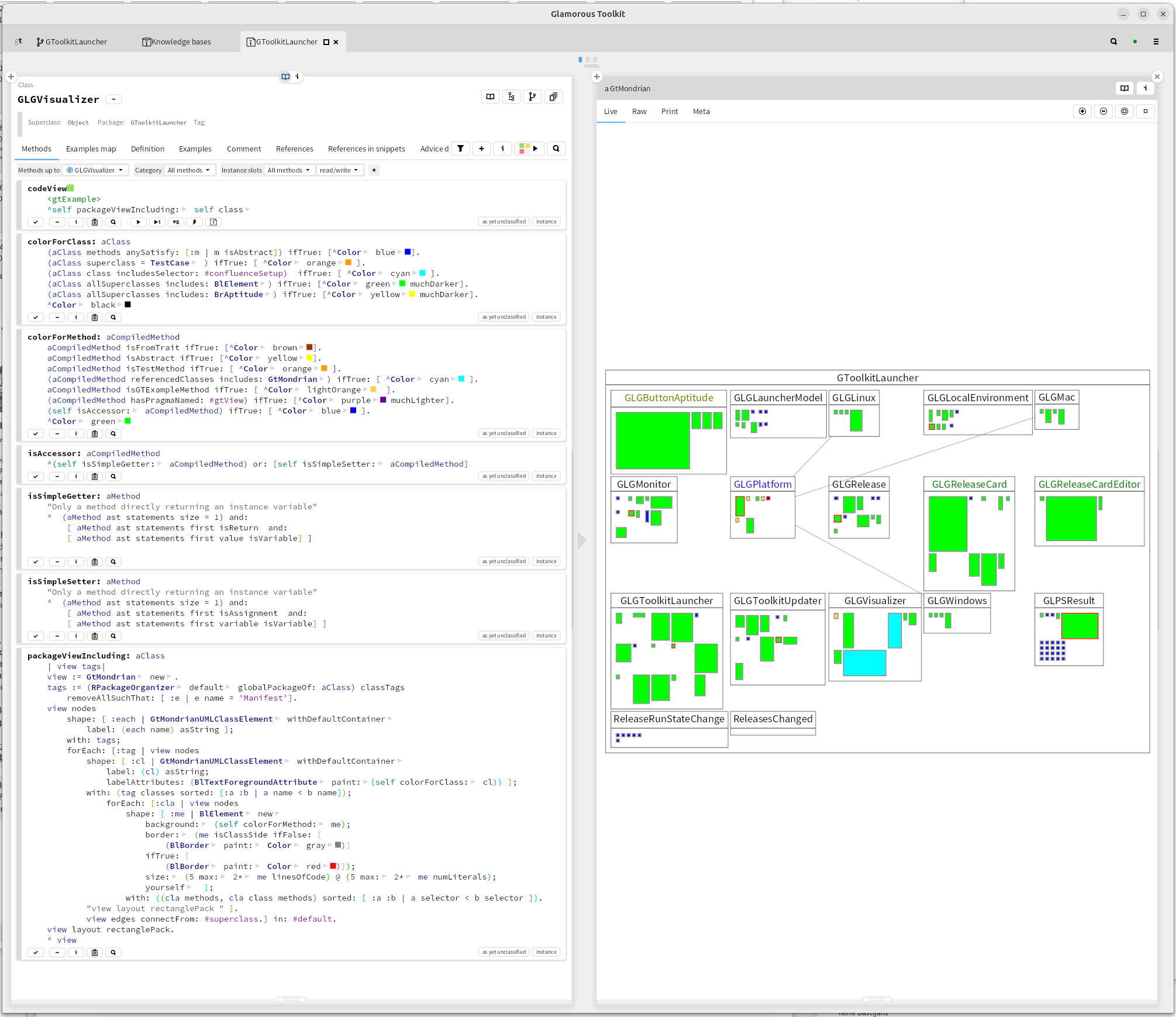
It works the same on all my platforms. I develop on Linux, Macintosh and Windows, and want the same development experience on them. Handling files and downloads and starting GToolkit is done slightly different on each platform. That is abstracted away in platform classes.
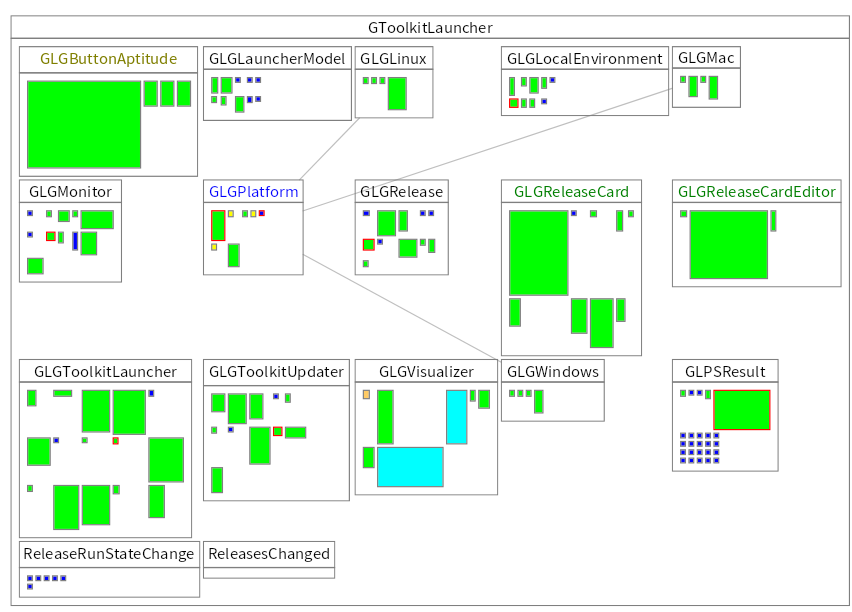
It is easy to adapt to new needs. Keeping in the moldable development tradition of steering development by building tiny tools, this shows the code that was needed (including some work in progress on which releases are currently running)